
01Retail & Boutique
Retail checkout
Speed up checkout, track inventory, manage staff access, and keep customer receipts tied to every sale.
- Inventory tools
- Customer insights
- Flexible reporting
Choose a payment setup around how your team sells, serves, tips, tracks, and closes the day.
Speed up checkout, track inventory, manage staff access, and keep customer receipts tied to every sale.
Run tabs, tips, modifiers, tables, and quick-service orders from screens your team can learn fast.
Take cards in the field, at the counter, or over the phone with support that stays close after setup.
No matter which setup fits your business, these come standard — no add-on fees, no fine print.
Free Clover hardware
No purchase, no lease — we provide the equipment.
No long-term lease
Own your setup from day one, not a loan.
Same-day setup
We install, configure, and go live with you.
Staff training included
Your team learns the system before we leave.
Live local support
Call a real person — not a chatbot, not a ticket.
Statement review
We compare against your current rates at no cost.
Six hardware options for different counters, team sizes, and service styles.
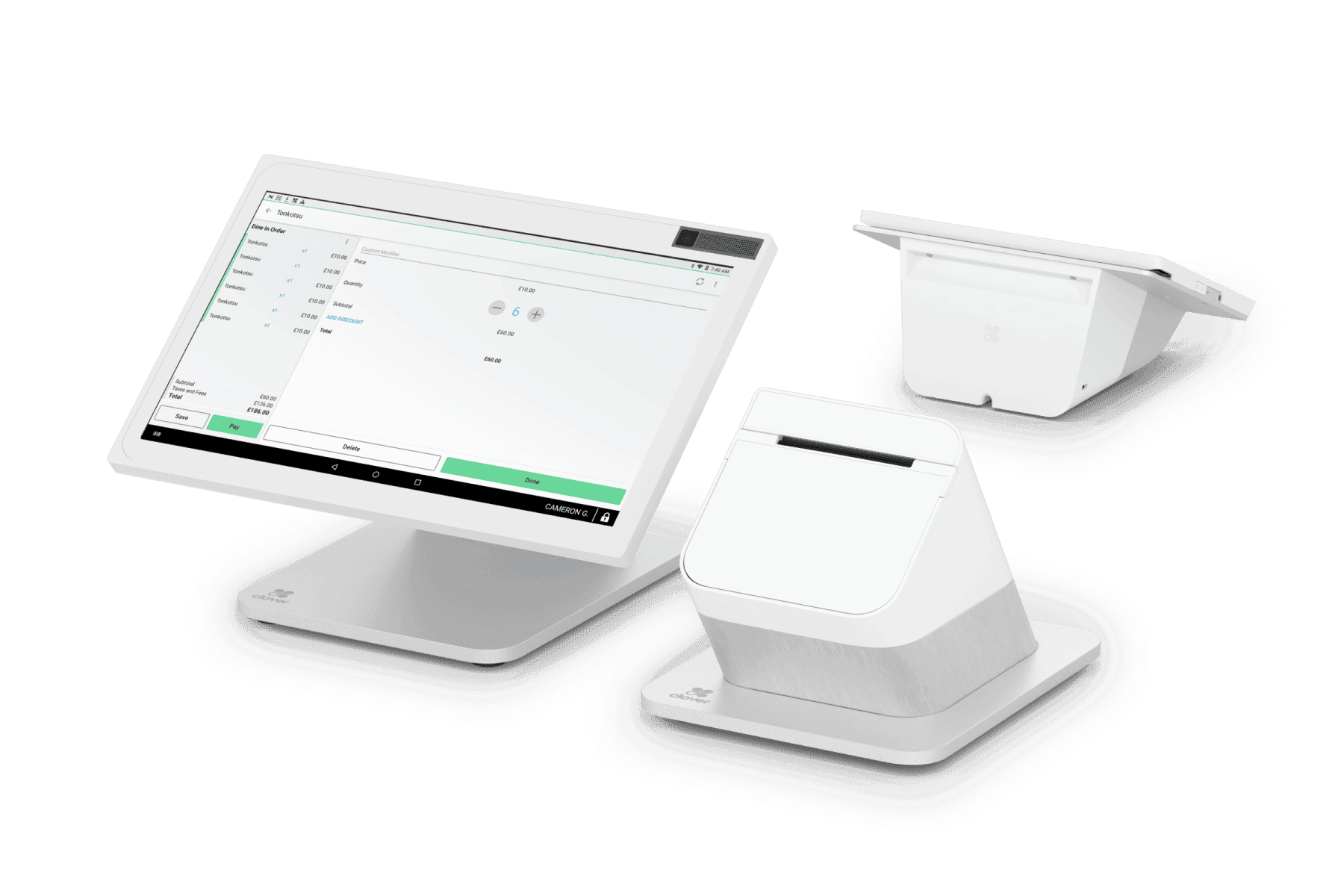
High-volume checkout counters
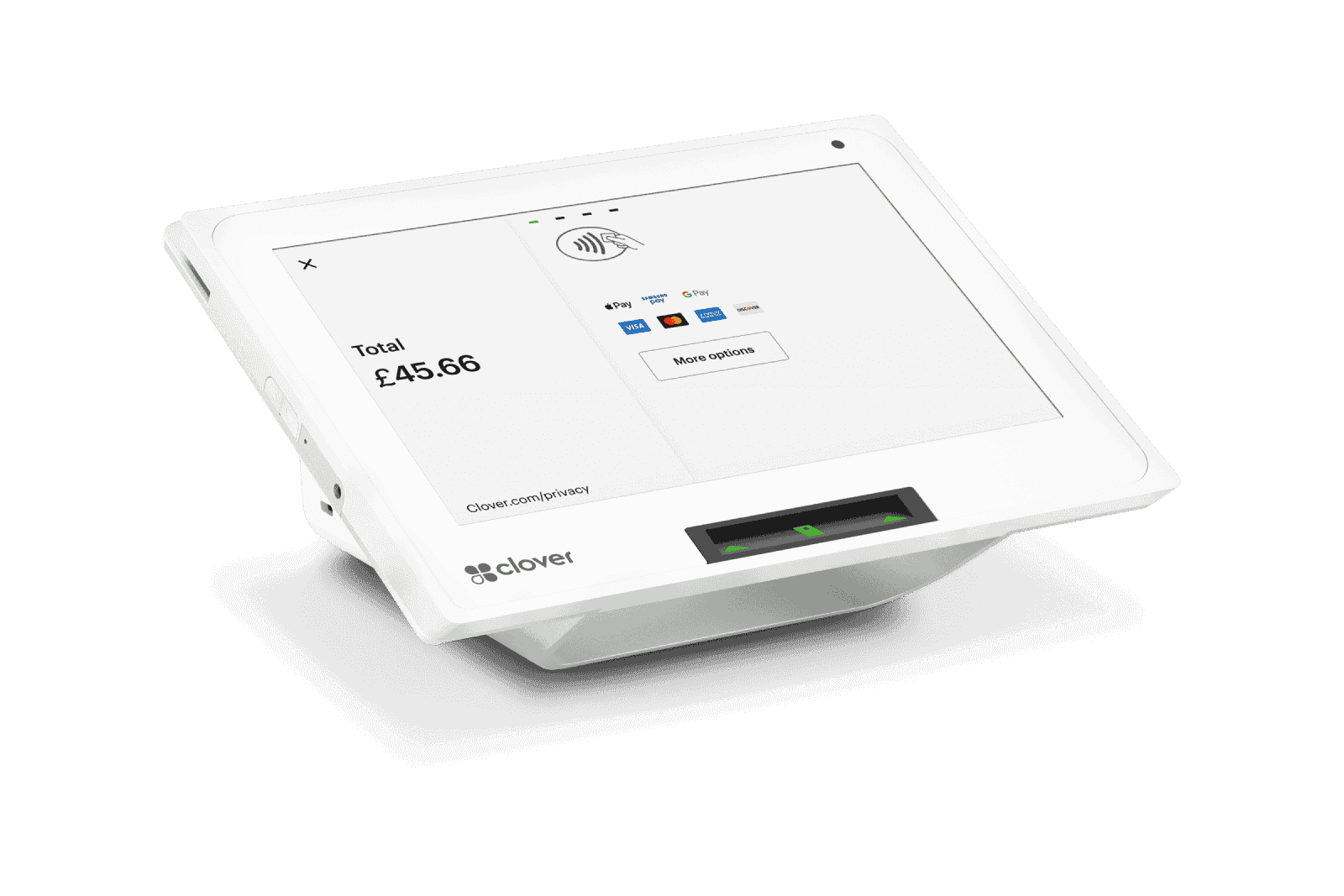
Compact retail and front desks
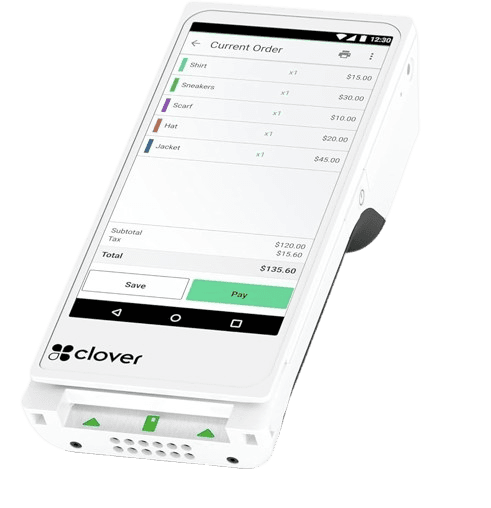
Line-busting and mobile payments
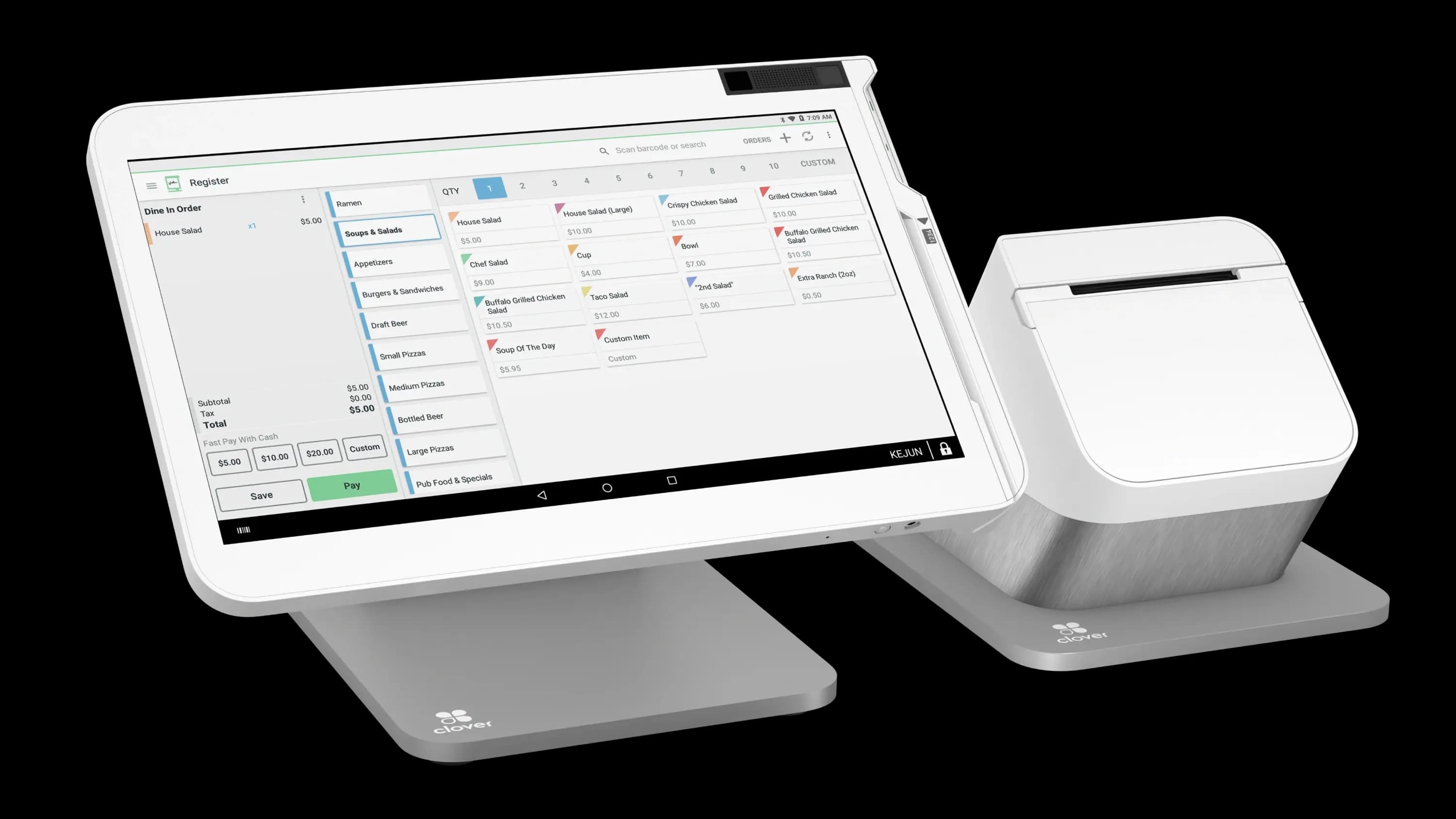
Countertop checkout and customer-facing payments
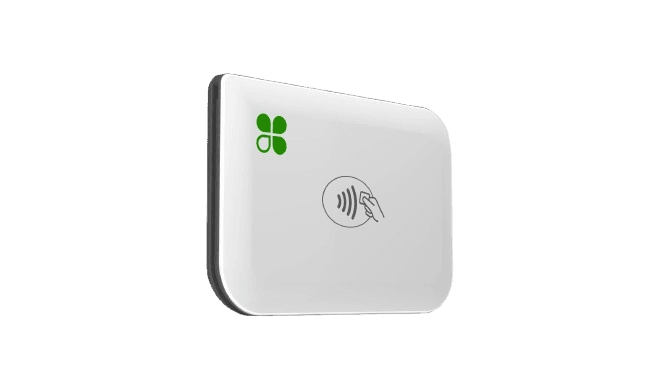
On-the-go payments
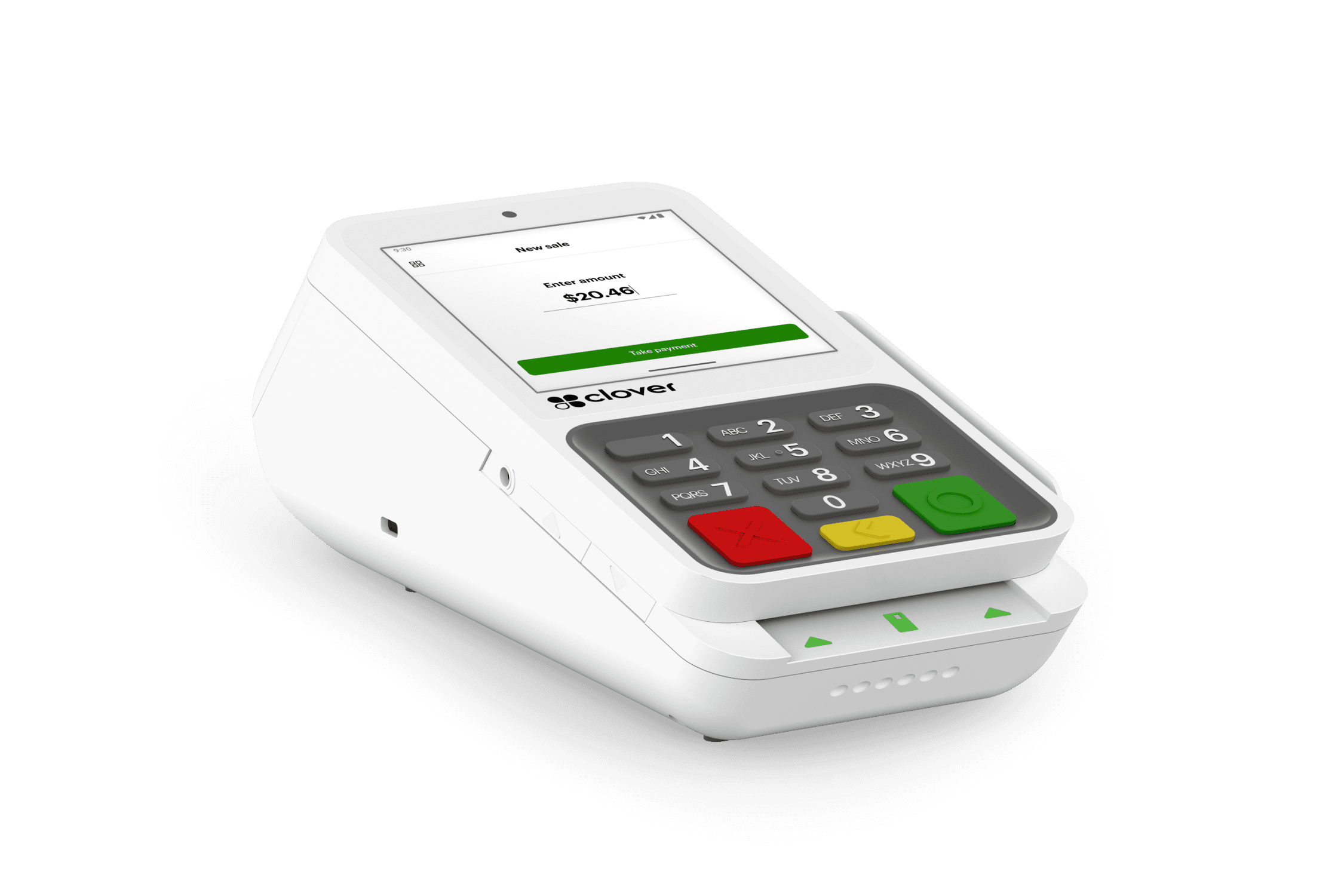
Simple countertop payments
*Merchant Agreement Required
*New customers only. Must: (1) purchase a Clover hardware or software subscription, (2) use eligible devices as determined by CC Processing For Less, (3) sign a 3-year contract, and (4) process $10,000 or greater in card transactions within the first three billing cycles when requesting Clover POS Station, Duo, or Mini. Additional fees may apply to certain Clover apps, services, or activated accounts.
A 10-minute statement review usually makes the answer obvious — and it costs you nothing.